Install Melange
A modding framework for Worms Ultimate Mayhem.
Melange fixes long-standing multiplayer bugs and lets you install mods: new weapons, graphics effects, shaders, scripts and tools. It works with the Steam version of the game (build #1077) and switches itself off on any other build.
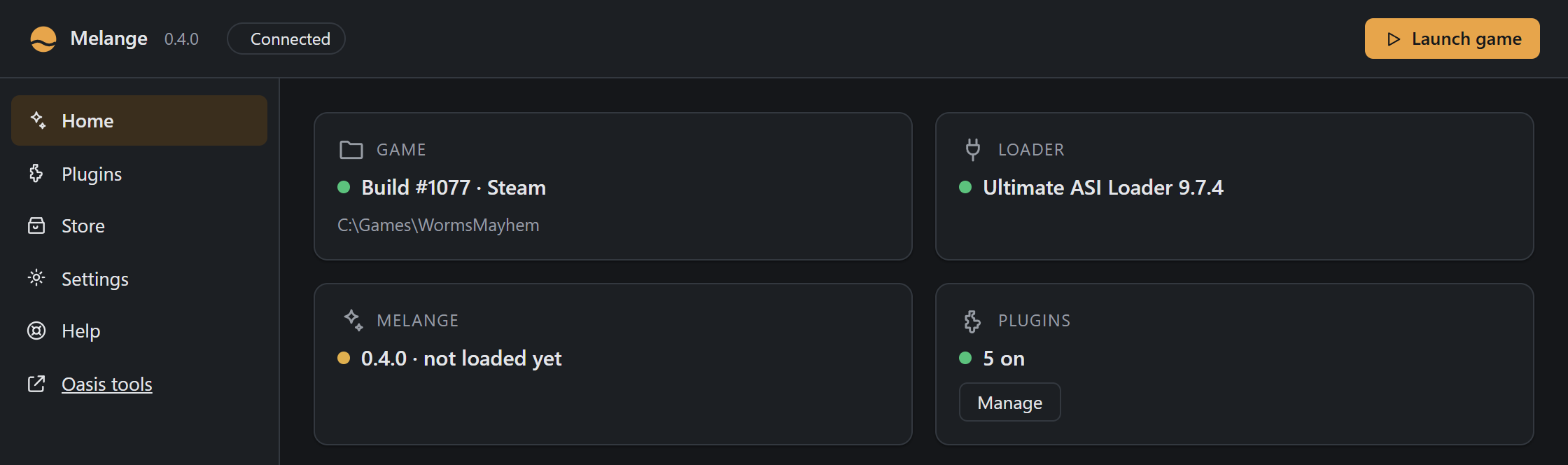
- Download the latest
melange-*.zipfrom Releases and extract it. - Run
Melange.exe. It will guide you to your game folder, check the build, and install or update Melange. - Start the game. The window title shows
[Melange x.y.z].
Melange keeps itself up to date. Each time you open Melange.exe, it asks GitHub for the latest release. When there is a newer one, it downloads it in the background, checks its SHA-256 and that it is signed by the same publisher, and shows Melange x.y.z is ready — Restart to update. One click closes Melange, installs the update into your game folder (with a backup, like any install), and opens the new version. Close the game first. Settings › Updates › Check for updates looks again on demand. The game itself looks at most once a day and only says when a newer version is out. Settings › Updates › Check for updates automatically turns off both the check at start and the game’s (it writes CheckInGame=0 under [Update] in Melange.ini); Check for updates still works. Each check is a plain HTTPS GET to GitHub that sends nothing about you or your game.
Undo: see Uninstall. Melange keeps a backup of anything it replaces on Settings › Melange › Backups.
Releases are code-signed; see Code signing.
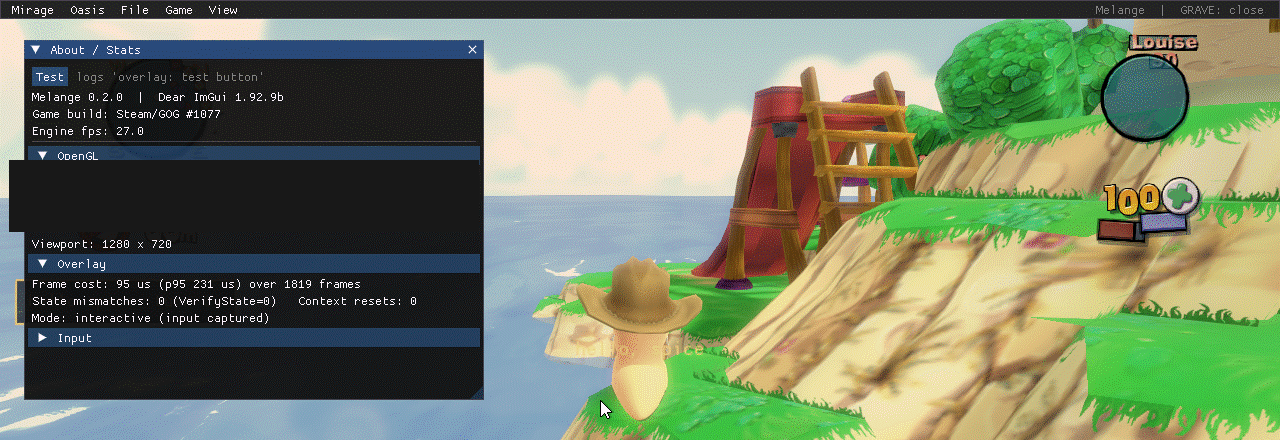
In the game, press ` for Melange’s overlay: mod pages, logs, graphics tools and the Store.