Uninstall
Melange.exe’s Settings › Melange › Uninstall removes Melange and keeps a backup. Or delete melange.asi, Melange.ini and the Melange and Mods folders from the game folder yourself. Delete dinput8.dll too, unless other .asi mods still need it.
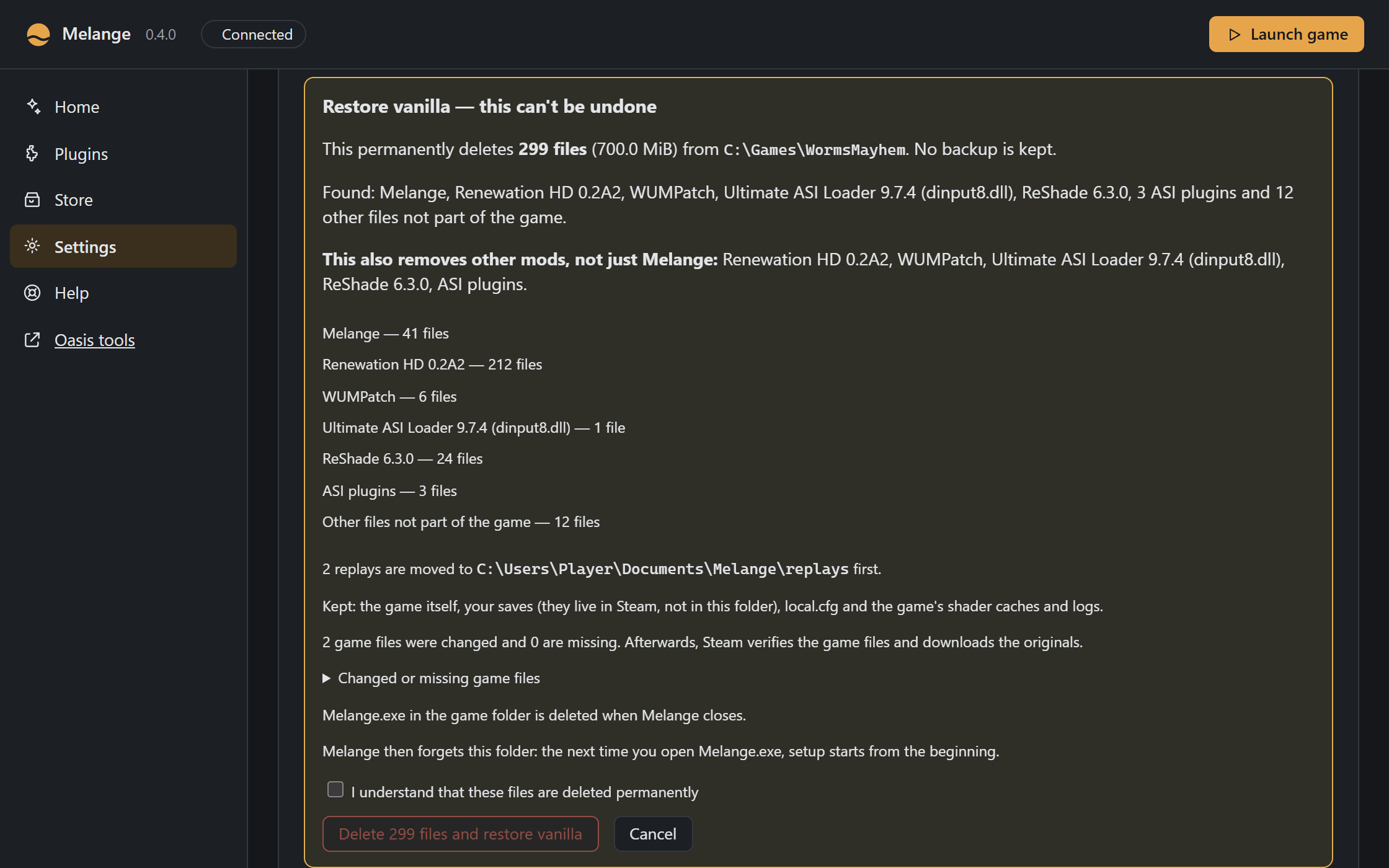
To get the plain game back, Settings › Restore vanilla makes the game folder stock Worms Ultimate Mayhem again. It deletes, for good, every file that isn’t part of the game: Melange, and also other mods such as Renewation HD, WUMPatch, ReShade, ASI loaders and plugins. The dialog names everything it found before you confirm. Your saves (kept by Steam, outside the game folder), local.cfg and the game’s own caches and logs stay. Replays move to Documents\Melange\replays. If a mod had overwritten game files, Steam verifies the game afterwards (on GOG, verify in GOG Galaxy or reinstall). Melange then closes. The next time you open it, setup starts from the beginning.